CT6002 – CPT Codes
Function:
Track all CPT codes entered into HST Practice Management. Reads directly off the CPT Code table under the Administration menu.
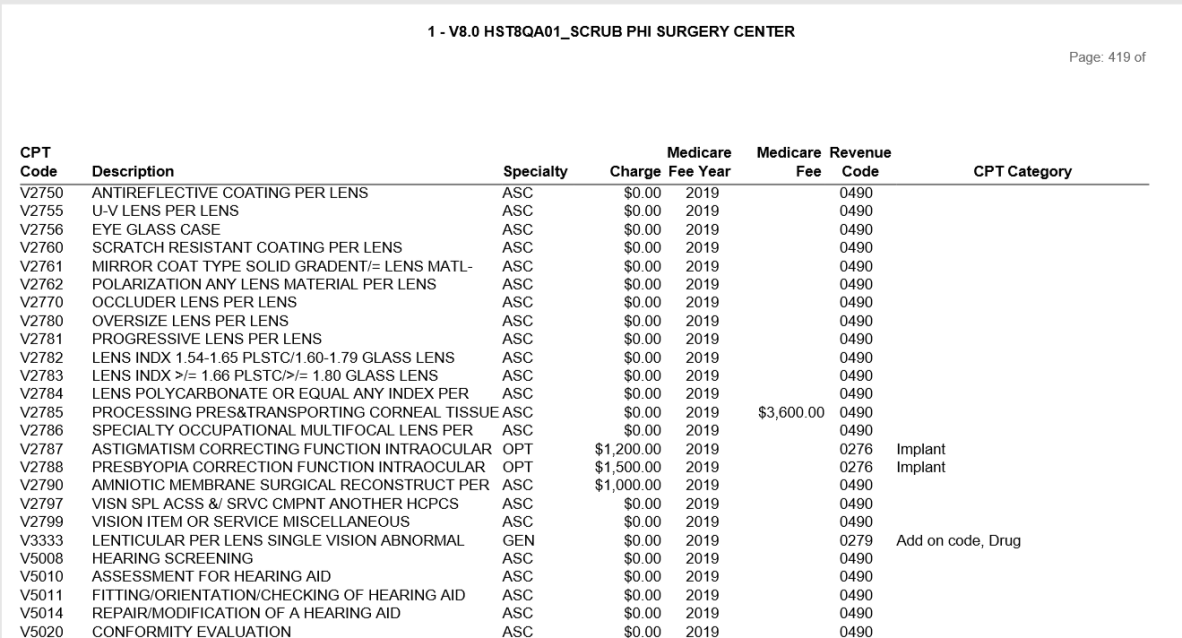
CPT Code and Description, Specialty, Fee, Medicare Year, Medicare Fee, Revenue Code and CPT Category are the default reported columns.
Usage:
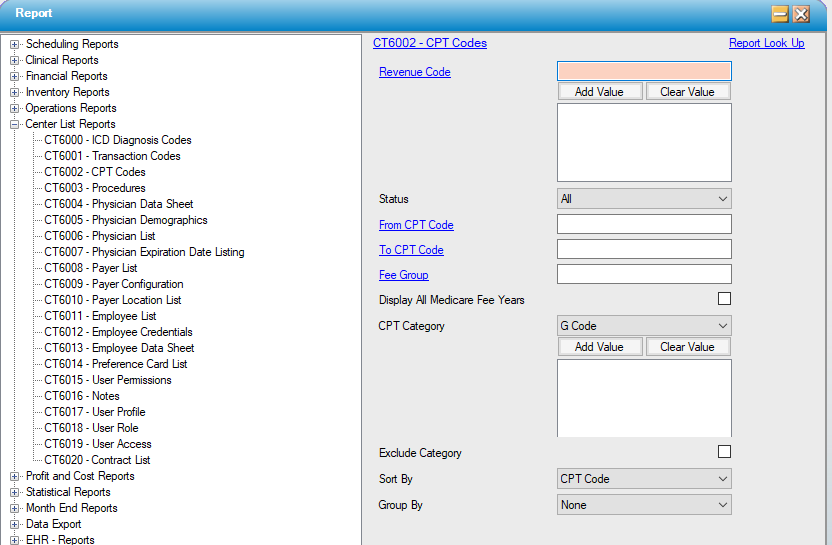
Filter by revenue code attached to the CPT, status, numeric CPT range, and Medicare fee group.
Sort the results by the numeric CPT code, revenue code, or by Medicare fee group.
Results can be grouped by Medicare fee group or specialty code if desired; groups will display subtotals.
Hints and Tips:
INCLUDES all codes unless otherwise specified.
Consider specifying a status of Active when running this report.
Notable Fields:
Charge: Displays the default center fee assigned to the CPT.
Sample Report:
For details on available output types, please see the Reports Overview help page.
Report Filter: